


Sentry Pro for Tesla
Sentry Brain S.M.P.C.
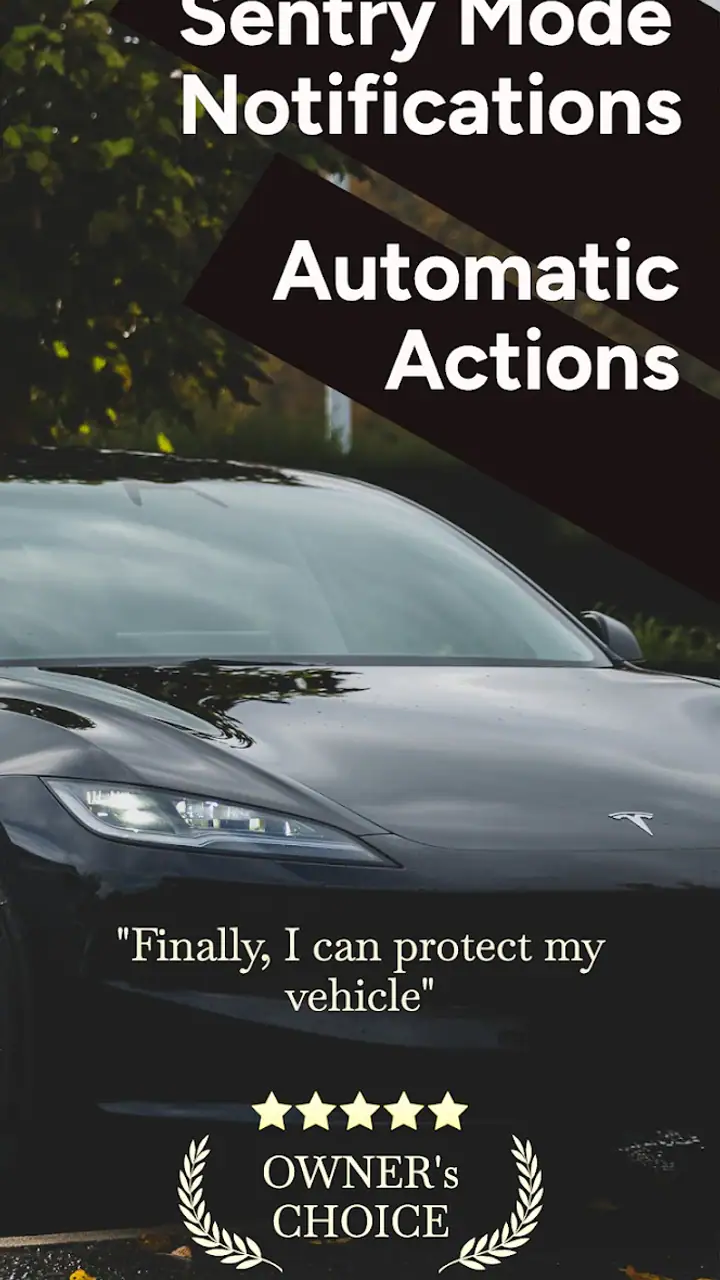
Leaving a Tesla parked can create a strange gap in your awareness: the car may be watching its surroundings, but you might not know that something deserves your attention until much later. Sentry Pro for Tesla is built around closing that gap. It is an Auto & Vehicles app from Sentry Brain S.M.P.C. that focuses on notifications from Tesla Sentry Mode and automatic threat-deterrence actions. After spending time with it, I see its main value less as a replacement for the car’s security system and more as a way to make that system feel present when I am away from the vehicle.
That distinction matters. The app does not turn an ordinary parking situation into a guaranteed security solution, and it is not a substitute for checking the car when something genuinely serious happens. Its appeal is narrower and more practical: it can help me react sooner when Sentry Mode detects activity, while also reducing the need to keep checking the Tesla app manually. For owners who already use Sentry Mode and want a more active connection to it, that is a meaningful improvement.
Why Sentry Pro’s notification focus matters
The central capability is straightforward to describe but more useful than it may sound. Instead of treating Sentry Mode as something I only review after returning to the car, Sentry Pro is designed to bring relevant activity to my attention through notifications and to trigger automatic deterrence actions when a threat is detected. The practical effect is a shorter distance between an event around the vehicle and my awareness of it.
That can change how I use Sentry Mode. Without a dedicated notification layer, I may remember that the car is protected but still fail to notice an event until I open the Tesla app, inspect the vehicle, or discover a recording later. With this app in the picture, the car’s parked-state monitoring becomes more actionable. I can decide whether the event is worth checking immediately, whether I should return to the vehicle, or whether it is probably harmless activity in a busy parking area.
I particularly like the idea of separating awareness from investigation. A notification does not automatically tell me what happened in a complete, reliable story. It gives me a reason to look closer. That is a healthier expectation than treating every alert as proof of damage or criminal intent. In crowded places, people, carts, bicycles, delivery vehicles, and neighboring cars can all create activity that looks suspicious from a distance. The app is most helpful when I use its alert as a prompt for judgment rather than as a final verdict.
Related News

Why WhatsApp Messenger Still Makes Everyday Communication Feel Easy

Jurassic World: The Game Is the Better Dino Tycoon for Strategic Players

Threads in Real Life: Who Should Join, Lurk, or Leave

How SHEIN Turned Shopping Into an Endless Content Feed

How to Make Fortnite Feel Smarter on Mobile

Should You Switch to Microsoft Outlook on Mobile?
The automatic deterrence side is equally important, but it needs a careful interpretation. The feature is intended to act when a threat is detected, which can make the vehicle feel less passive while I am away. I would not rely on an automated response as my only protection, though. Deterrence may discourage some behavior, but it cannot guarantee that a person will leave, that damage will not occur, or that an incident will be resolved without my involvement.
The real benefit is earlier awareness, not magical protection. That is the lens I would use before installing it. If I want a tool that helps me notice Sentry-related activity without repeatedly opening the car’s normal controls, this app has a clear purpose. If I expect it to identify every genuine threat perfectly or handle an incident from beginning to end, my expectations would be too high.
Using it during an ordinary parking day
A realistic example is a workday in a public parking lot. I leave the Tesla for several hours, with Sentry Mode doing its normal job. During that time, someone walks close to the vehicle or a nearby car maneuvers into a tight space. Sentry Pro can make that activity more visible to me through a notification instead of leaving me to discover it only after returning.
Gallery
My next step would not necessarily be to abandon my plans and rush outside. I would first consider the setting, the timing, and whether the alert repeats. A single notification in a busy lot may be ordinary movement. Several alerts in a short period, especially when I am somewhere nearby, would justify a closer look. This is where the app’s value becomes practical: it gives me information early enough to make a decision while the situation is still happening.
For someone who parks at home, the same workflow can be useful in a different way. An alert during the night could prompt a quick check of the vehicle’s surroundings or a review of what Sentry Mode captured. Again, the app cannot replace physical awareness, but it can stop the car from becoming an invisible object until morning. That is a small change in routine with potentially significant value for owners who are often away from their driveway.
I would also use a notification as a reminder to avoid overreacting. Security alerts can create anxiety, particularly when they arrive at inconvenient times. A good personal rule is to treat the first alert as information, not an emergency, unless the context already suggests a real problem. The app helps surface the event; I still provide the human interpretation.
What the setup experience means for daily use
The app’s usefulness depends heavily on how comfortably it fits into my existing Tesla routine. I would approach setup with patience rather than assuming that installing an app automatically makes the security workflow complete. The important question is not simply whether notifications appear, but whether they appear in a way I can understand and act on without confusion.
I would test it while the car is parked in a familiar, low-pressure location. That gives me a chance to learn how an alert feels, how quickly I notice it, and what information I need before deciding what to do. Testing at home is preferable to discovering the workflow for the first time in an unfamiliar garage or during a long trip. It also helps me decide whether automatic actions are comfortable for my circumstances.
Notification behavior deserves special attention. If phone-level notification controls are too restrictive, an otherwise useful alert can become easy to miss. I would check that the app is allowed to notify me and that its alerts are not buried among unrelated messages. At the same time, I would avoid creating a situation where every minor movement interrupts my day. The best setup is one that makes meaningful events noticeable without turning parking activity into a constant source of noise.
Another practical habit is to keep the car’s own Sentry Mode workflow in mind. Sentry Pro is centered on Tesla’s monitoring capability, so I would not think of it as an independent camera or a separate security network. If the underlying vehicle feature is not being used as intended, the companion app cannot compensate for that. The app makes more sense as an additional layer around an existing Tesla function than as a standalone answer to vehicle security.
Where the app is strongest
The strongest use case is for a Tesla owner who regularly parks away from home and wants to know about activity sooner. Public garages, apartment lots, shopping areas, hotel parking, and workplace spaces all create the same basic problem: I may be far from the vehicle when something happens. A notification-focused tool is valuable precisely because it reduces the need for me to initiate every check.
It is also a good fit for owners who already care about Sentry Mode but find manual monitoring inconvenient. If I am the kind of person who remembers to enable protection but rarely opens the Tesla app during the day, Sentry Pro addresses that behavioral gap. The app does not need to transform my habits completely; it only needs to make important activity harder to overlook.
People who share responsibility for a vehicle may also appreciate the awareness angle. When one person is away from the Tesla, another may be in a better position to decide whether an alert matters. I would still be cautious about assuming that every notification should trigger a group response. The useful arrangement is one where the right person receives the information and knows what level of action is appropriate.
The automatic deterrence capability has its best fit when I want the car to respond without waiting for me to notice an alert first. That can be reassuring when I am in a meeting, asleep, driving another vehicle, or simply unable to check my phone immediately. The trade-off is that automation always deserves more testing than a passive notification. I would want to understand how it behaves in my normal parking environments before treating it as a set-and-forget feature.
Trade-offs that are easy to overlook
The first trade-off is alert interpretation. More awareness can mean more interruptions. A busy street or crowded parking lot may produce activity that feels urgent in a notification but is harmless in context. If I receive too many low-value alerts, I may start dismissing them automatically, which defeats the purpose. The app is therefore most effective when I use it selectively and learn which situations tend to create unnecessary concern.
The second is the difference between deterrence and evidence. An automatic action may discourage someone, while Sentry Mode recordings can help me understand what occurred, but neither guarantees a complete account of an incident. If I receive an alert that suggests possible damage, I would still inspect the vehicle and preserve any relevant information through the normal Tesla workflow. I would not assume that the notification alone is enough for an insurance report or a conversation with another driver.
A third trade-off concerns attention and responsibility. The app can make me feel more connected to the car, but that connection can become distracting if I react to every alert while working, sleeping, or driving. I would set a personal response policy before relying on it: urgent-looking activity gets checked when safe, ambiguous activity waits for a convenient review, and repeated alerts receive more attention than isolated movement. That simple rule helps the app support my routine instead of controlling it.
There is also a cost consideration. The app is free to download, while in-app purchases range from around six dollars to over one hundred dollars per item. That makes it important to understand what I actually need before paying for anything. A Tesla owner who only wants to experiment with notifications may not need the same level of access as someone who intends to depend on automatic threat deterrence every day. I would judge any purchase by the amount of time and uncertainty it removes from my parking routine, not by the promise of maximum protection.
Compatibility is another point I would check before committing to the app as part of my daily setup. It supports devices running Android seven or later, which covers many older Android phones, but the experience still depends on how well the phone handles notifications and background activity. I would not assume that a notification app can overcome every battery-saving or system-management setting. A careful test is more useful than discovering a missed alert after leaving the car unattended.
How it compares with the usual alternatives
The most obvious alternative is simply using Tesla’s standard app and checking the vehicle manually. That approach is cleaner and may be enough for an owner who parks in a secure location, rarely leaves the car unattended, or prefers fewer notifications. It also avoids adding another layer to the workflow. Sentry Pro becomes more compelling when manual checking is the problem rather than the solution.
Another alternative is relying only on Sentry Mode recordings and reviewing them after returning. That can work when I am mainly interested in investigating an incident later. It is weaker when timing matters. A recording discovered hours afterward may explain what happened, but it cannot give me the opportunity to respond while the event is unfolding. Sentry Pro’s advantage is the shift from retrospective review toward earlier awareness.
Traditional aftermarket dashcam or vehicle-security products can be better for drivers who want an independent system with its own hardware and operating model. They may make more sense for people who do not own a Tesla or who want security features that are not tied to the vehicle’s existing Sentry Mode. For a Tesla owner already invested in that ecosystem, however, an app built around the car’s monitoring function can be less disruptive than installing another camera system.
I would skip this app if I strongly prefer a single official control point, do not want automated responses, or would find additional alerts stressful. It is also a poor fit if I expect a security app to make physical checks unnecessary. The best alternative in those cases may be a simpler routine: enable Sentry Mode when appropriate, review the car manually, and avoid adding another notification source.
Who gets the most from Sentry Pro
I think the clearest audience is the Tesla owner who already values Sentry Mode but does not want to remember to check it. The app gives that person a more active relationship with the vehicle’s parked security state. It is especially useful when the car spends time in places where minor contact, attempted access, or suspicious activity would be difficult to notice promptly.
It may also suit owners who are comfortable making decisions from incomplete information. Notifications are helpful signals, not perfect explanations. Someone who can calmly distinguish a busy parking environment from a developing problem will get more value than someone who treats every alert as confirmation of an emergency.
On the other hand, I would not recommend making it the centerpiece of a security plan for a person who needs guaranteed intervention, professional monitoring, or a completely independent vehicle-security system. The app’s role is narrower and more realistic: it helps connect Tesla Sentry Mode with my attention and can automate deterrence actions in relevant situations.
The app is free, rated for Everyone, and currently sits at version 1.5.71. Its average rating is 4.4 from roughly three hundred seventy ratings, with more than ten thousand installs, which suggests a modest but established user base rather than a massive mainstream service. Those details do not decide the experience for me, but they place it in the category of a focused companion tool that should be evaluated by its workflow, not by brand familiarity.
My final take after using its approach
Sentry Pro for Tesla earns its place by concentrating on one problem: I should not have to discover every Sentry Mode event only after I return to the car. Notifications make the vehicle’s parked activity easier to notice, while automatic threat deterrence can add a faster response when I am not available to intervene personally.
I would recommend it to Tesla owners who frequently park away from home, already use Sentry Mode, and want earlier awareness without manually checking the car throughout the day. I would begin with a controlled test, adjust my phone’s notification behavior, and decide in advance how I will respond to alerts. That preparation matters as much as the installation itself.
My opinion is positive, but deliberately limited. This is not a complete security service, and it cannot remove the need for judgment, inspection, or sensible expectations. Its strength is more practical: it turns a passive feeling that the Tesla is being watched into a notification-driven workflow I can actually use. For the right owner, that small change can make parked-vehicle security feel considerably more immediate.
FAQs for Sentry Pro for Tesla
What is Sentry Pro for Tesla, and what does it do?
Sentry Pro for Tesla is a companion app designed to help Tesla owners manage and review footage recorded by the vehicle’s Sentry Mode and Dashcam systems. Depending on the supported features and Tesla model, it can assist with browsing clips, identifying recorded events, organizing video evidence, and accessing vehicle-related information. It is not a replacement for Tesla’s built-in security features, and its capabilities may vary by vehicle, software version, and operating system.
Does Sentry Pro for Tesla work with every Tesla vehicle?
Compatibility can depend on the Tesla model, vehicle firmware, phone operating system, and the way recordings are stored or accessed. Most features are intended for Tesla vehicles equipped with Sentry Mode or Dashcam support, but older models may have limitations. Before downloading, check the app’s current store listing and requirements, then confirm that your Tesla has the necessary hardware, updated software, and properly configured recording storage.
Does the app require a USB drive or other storage device?
Sentry Pro for Tesla may rely on footage created by the Tesla Dashcam or Sentry Mode system, which generally requires compatible USB storage connected to the vehicle. The app cannot recover recordings that were never saved, overwritten, corrupted, or deleted. For reliable use, format and configure the storage device according to Tesla’s recommendations, keep sufficient free space available, and regularly back up important clips to another location.
Can Sentry Pro for Tesla control my vehicle or access my Tesla account?
The level of vehicle access depends on the app’s current implementation and the permissions you grant. Some companion apps may only help view or manage recordings, while others can offer limited Tesla account or vehicle-related functions. Review the requested permissions carefully and use only official sign-in methods when available. Never share your Tesla password with an untrusted service, and revoke access if you stop using the app.
Is Sentry Pro for Tesla free, and are there privacy or subscription concerns?
The download may be free, but certain tools, advanced viewing options, cloud services, or ad-free features could require an in-app purchase or subscription. Pricing and availability can change between Android and iOS. Because recordings may include people, license plates, locations, and private conversations, review the developer’s privacy policy before use. Also check where footage is processed or stored and avoid uploading sensitive clips unless necessary.
Pros
- Real-time vehicle status helps you monitor battery
- doors
- climate
- and charging.
- Useful charging notifications can help prevent unexpected range loss.
- Supports remote controls for convenient climate and vehicle management.
- Trip and energy data make it easier to understand everyday driving habits.
- Clean interface provides quick access to important Tesla information.
Cons
- Some features may require a paid subscription or in-app purchase.
- Background monitoring can increase battery usage on your phone.
- Remote commands depend on a stable internet connection and Tesla availability.
- Third-party access requires careful review of account and privacy permissions.
- Compatibility may vary between Tesla models
- firmware versions
- and iOS releases.


